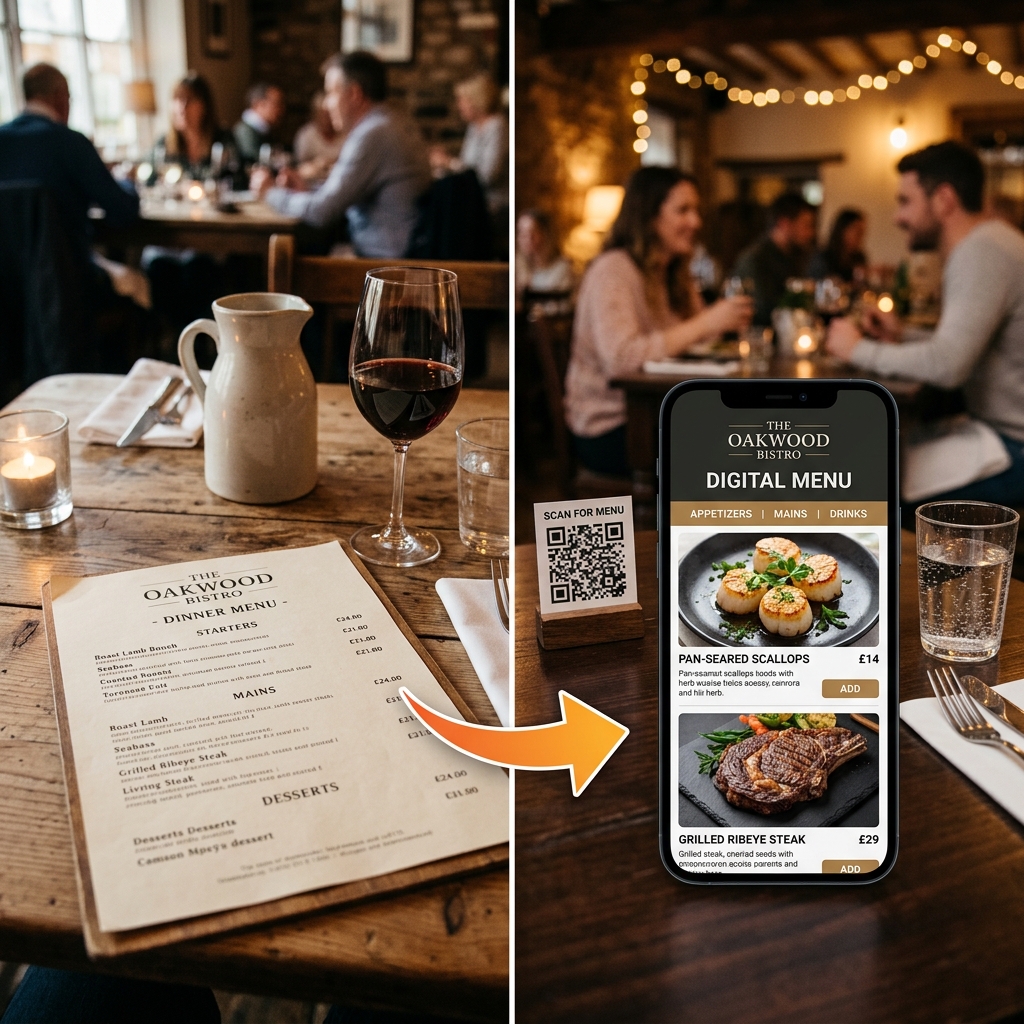
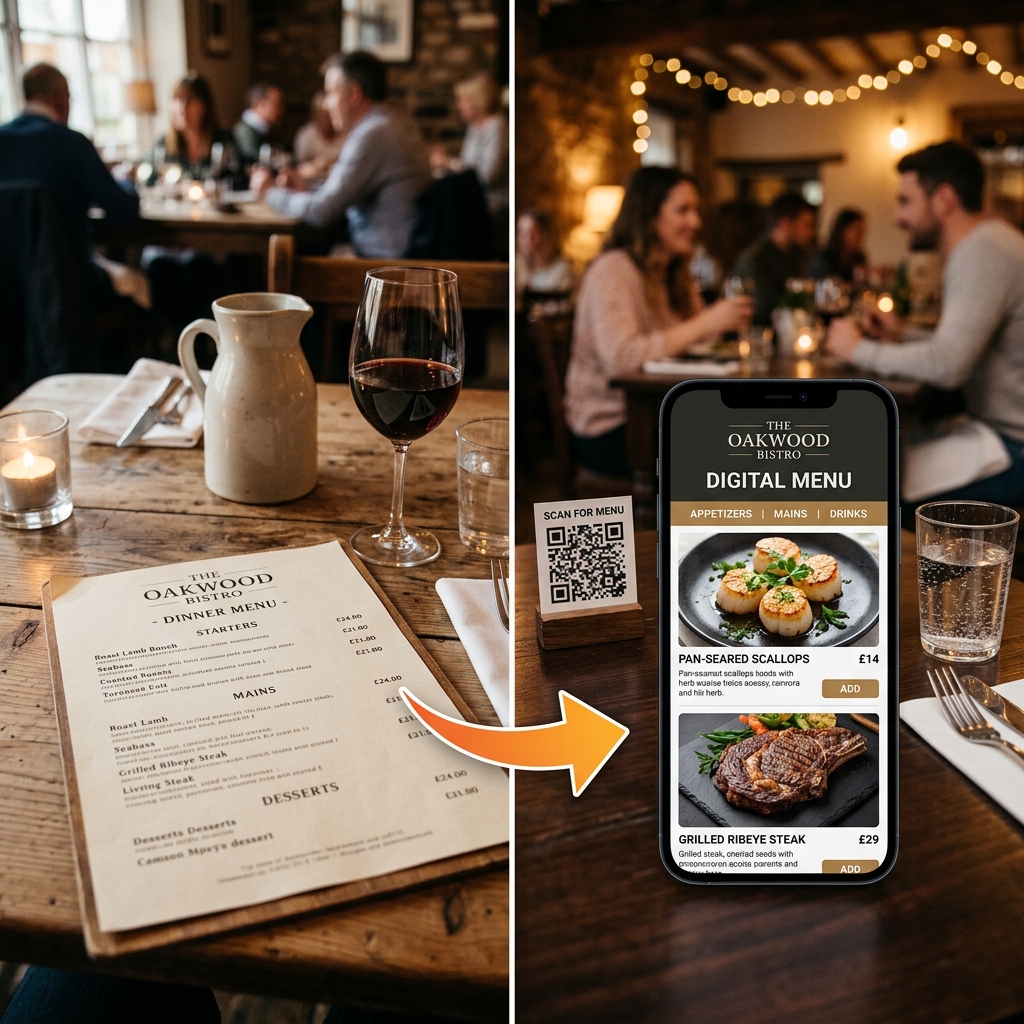
Digital QR menus for restaurants that need service to move.
Give guests a fast, no-app menu while your team makes faster menu updates, captures clearer orders, and spends less time repeating the same questions at the table.
Evaluate the product before you buy
"Before you buy, test the guest menu on your phone and ask us to show the owner controls your team will actually use: menu updates, availability, ordering, and insights."
Your owner checklist
Use this during a DineWaves product walkthrough
See the controls your team uses between services.
The guest menu is only one side of DineWaves. Owners and managers can work from the restaurant portal to keep information accurate, review orders, and manage who can access the workspace.
Menu control: edit prices, descriptions, categories, and item availability.
Order visibility: review incoming and completed table orders with kitchen status.
Decision support: use order and guest information to guide menu changes and follow-up.
Team access: assign managers or staff access while the owner retains control.
Restaurant portal preview
Today at The Golden Fork
Items
48
menu items
Orders
12
today
Team
4
active users
Paneer Tikka
Available to guests
Table 12 order
2 items · modifier included
Team access
Owner, manager, and staff roles
Start with the QR menu. Add the workflow when you are ready.
DineWaves is modular. You do not need to adopt every feature on day one.
1. QR Menu
Start with a clear, branded guest menu.
2. Ordering
Enable table ordering when it fits your floor.
3. Kitchen & payments
Add KDS and payment configuration as needed.
4. Insights & teams
Expand to guest insights and role-based access.
Choose the workflow that solves the problem you have today.
You do not need to replace your entire restaurant stack to get value from a better guest menu.
Choose QR Menu
If you need a clearer guest menu, better dish discovery, and faster updates for prices or sold-out items.
Choose Ordering + KDS
If table orders and kitchen handoffs are slowing your floor during busy services.
Choose Insights + Team Controls
If you operate multiple shifts or locations and need clearer visibility and access control.
Keep Your Current POS
If billing already works for you, keep it. Confirm integration requirements with us before you pay.
Your menu should help service move, not slow it down.
DineWaves is designed for the moments that put pressure on a restaurant: changing availability, busy tables, dietary questions, kitchen handoffs, and the need to make decisions from real guest behavior.
Every menu change becomes a manual task
Price changes, seasonal items, and dishes that sell out create extra work for staff and can leave guests looking at outdated information.
Keep availability current from your dashboard
Update prices, descriptions, and out-of-stock status from any device so the guest menu reflects the information your team needs to share.
Guests wait to begin deciding
During a busy service, guests may wait for a menu, ask repeated availability questions, or need a team member to explain the same choices table after table.
Let guests browse before they need a waiter
Guests scan a QR code to browse, filter dietary choices, and view dish details on their own phone. When table ordering is enabled, orders can be routed to the kitchen display.
Floor teams get trapped in repetitive tasks
When staff are busy answering basic menu questions, checking availability, and relaying handwritten details, they have less time for hospitality and accurate handoffs.
Give staff a clearer source of truth
Menu controls, order details, modifiers, and kitchen status live in the same workflow, helping your team focus on serving guests instead of chasing information.
Plan the operational impact for your restaurant
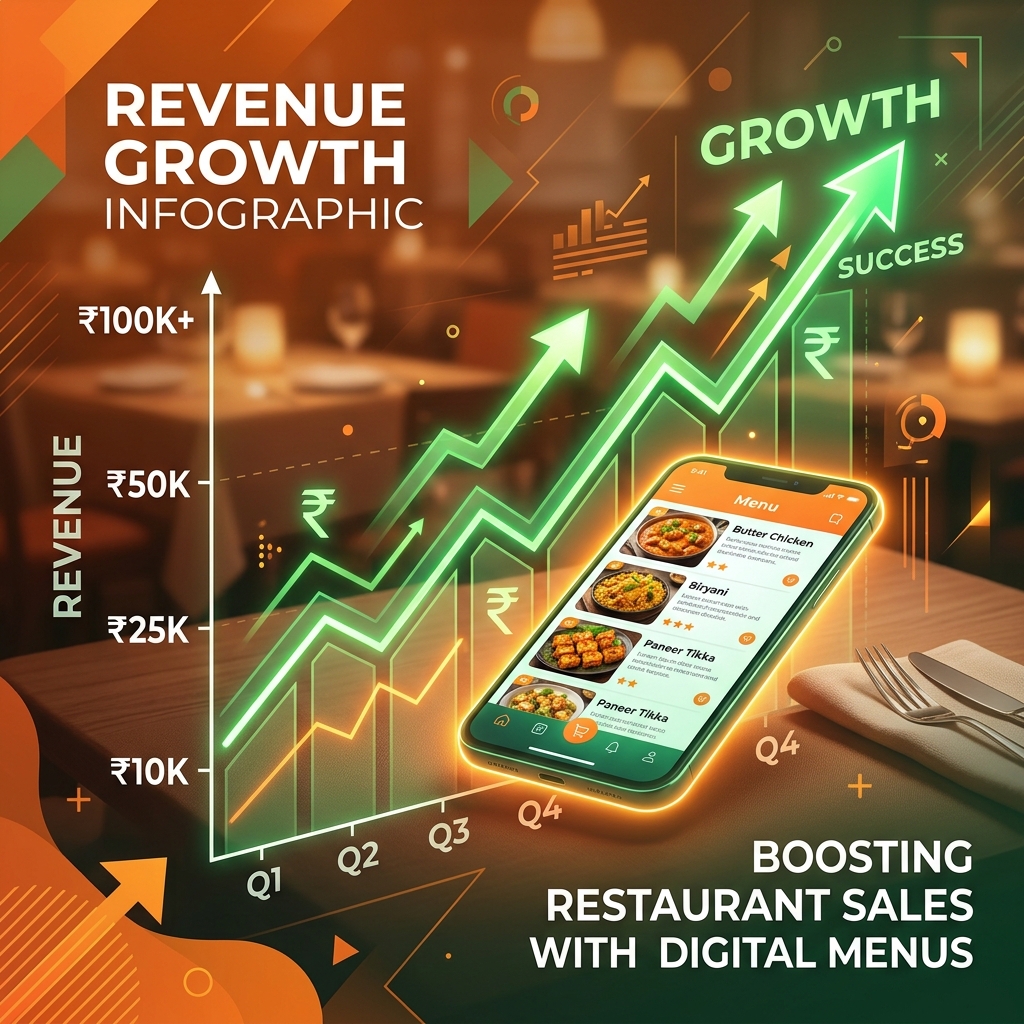
Use these inputs to start an internal conversation about printing spend, staff time, and add-ons. Your results are planning estimates—review them against your own menu, staffing, and service model.
YOUR PLANNING ESTIMATE
₹3,48,000
/ yearIllustrative only. Actual results depend on your service model, staffing choices, order mix, and adoption by guests and team members.
Optional tools to add as your workflow grows.
These are optional layers beyond the core menu and service flow. Choose what makes sense for your guests, your floor, and your team today.
Menu formats, branding, and QR stands.
Table ordering, KDS, and payments.
Insights, CRM, and campaigns.
0 items in cart
₹0
Customize Butter Chicken
Increase ticket size with simple, mouthwatering pairings:
Make the QR easy to scan and on-brand.
Give guests a clear table-level starting point for your menu. Customize the QR asset and table number to match your setup; choose the stand material only if it suits your space.
CUSTOMIZE STANDEE LIVE
Interactive Demo: Tap the QR code inside the tabletop mockup on the right to simulate a real customer scanning and launching the live menu catalog on their smartphone!
Live Kitchen Display Board
No more physical paper tickets or missed verbal orders. DineWaves routes orders instantly to the kitchen display screen, complete with clear modifer requests. Tap states to simulate live sound chimes!
Orders entered on phones immediately pop onto the chef board, sounding a soft alert chime.
Modifiers (Extra spicy, no onions, allergies) render in bright warning badges so kitchen staff prepare dishes correctly.
Table 4 Order
Placed 1m ago
Sample Guest Engagement Workflow
Illustrative data| Customer | Visits | Spend | Segment |
|---|---|---|---|
| Guest A | 14 visits | Example total | VIP PATRON |
| Guest B | 6 visits | Example total | Regular |
| Guest C | 22 visits | Example total | VIP PATRON |
Illustrative workflow only. Configure compliant consent and messaging providers before sending campaigns.
CRM Guest Capture
Review the guest-data and campaign workflow during a demo. Confirm what is captured, how consent is collected, which providers are supported, and how your team would use any export or messaging tools.
"Ask us to show the exact data fields, consent flow, and campaign controls your team would need before using guest engagement features."
— Product evaluation checklist
From scan to service, your team stays in control.
A guest-friendly experience should make the next action clear for guests, servers, kitchen staff, and the owner—especially when the restaurant is busy.
What happens when service gets busy?
The value of a digital menu is not the QR itself. It is the shared context that helps guests, floor staff, the kitchen, and the owner stay aligned when several tables need attention.
play_circleWalk me through this liveSee the guest and owner sides of the product.
Open the live guest menu, read a setup story, or request a dashboard walkthrough. We would rather show the workflow than rely on unverified claims.
Guest Demo
Open a live menu on your phone and experience the scan-to-browse flow.
Implementation Path
See the menu review, QR configuration, manager testing, and support steps before you decide.
Dashboard Preview
Request a walkthrough of price edits, availability, incoming orders, team roles, and insights.
Customer proof, handled honestly
The live guest menu and dashboard walkthrough are available to inspect now. Add an owner-approved quote, before/after screenshots, or a real KDS ticket here only after the restaurant gives written permission.
A launch process your manager can follow.
Send us your menu and we will help structure a review version, configure the QR and table setup, and prepare your team for go-live. Use the demo to confirm the support path that fits your plan and service model.
upload_file Upload My Menu (WhatsApp)Your Team Launch Checklist
- check_circle We structure your menu for review
- check_circle You approve the guest menu view
- check_circle We configure QR and table setup
- check_circle Your manager tests the service flow before go-live
- check_circle You leave with a support contact for changes
After launch
Managers can update prices and availability from the portal. For launch changes, QR/table updates, or help during service, use the DineWaves WhatsApp contact; confirm your plan's support coverage during the demo.
Clear plans for the way your restaurant operates.
Start with a live menu, then add ordering, payments, customer insights, and multi-location controls when your team needs them.
Bring your real workflow. Leave with a clear next step.
A useful demo is specific to your floor, not a generic feature tour.
See how DineWaves fits your service.
Bring your current menu and workflow. We'll show you the guest experience, the team controls, and what your staff needs to run it confidently.